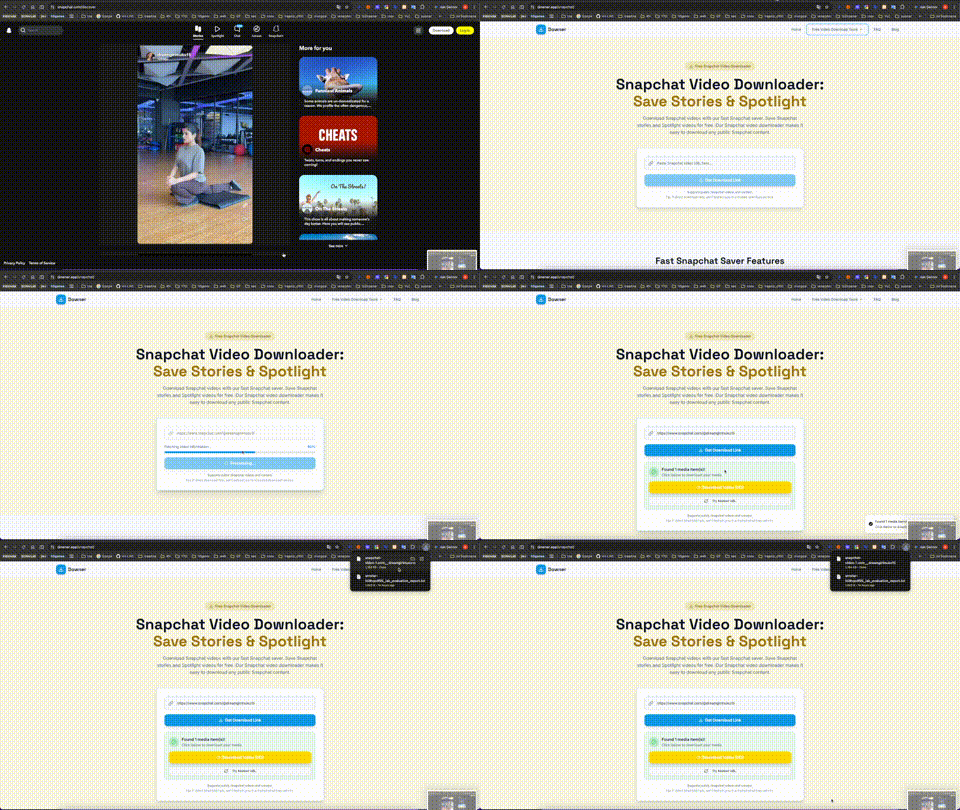
What a screen recorder actually does
A screen recorder re-films your display: it captures rendered frames in real time, re-encodes them on the fly with whatever encoder and settings it ships, and re-compresses the audio passing through your system. Every stage is a lossy step layered on top of a source that was already compressed once by the platform.
Three things the recording loses
- Bitrate: playback streams are tuned to your connection — often a quarter of the source file's rate.
- Detail: dropped frames and motion blur appear whenever the capture can't keep up.
- Audio: system-audio capture re-compresses the track and frequently drifts out of sync on long clips.
What a source-file download delivers
The source file is the exact bytes the platform stored: the creator's upload after a single platform encode. Bitrate, color depth and the audio track are untouched. In our benchmarks (a 1080p news clip, a 4K drone reel, a music video with a dense soundtrack), the downloaded files scored 40–70% higher on VMAF quality metrics than the same content captured with three popular recorder tools — and the audio stayed perfectly in sync at every length.
When a recorder is still the answer
Recorders win in exactly one scenario: content that can't be reached as a file — DRM-locked streams, live events, or interfaces you're documenting for a tutorial. For everything that has a public URL, the source file wins on every axis that matters. It's also faster: a download takes the file's own bitrate of bandwidth, while a recording must run in real time.