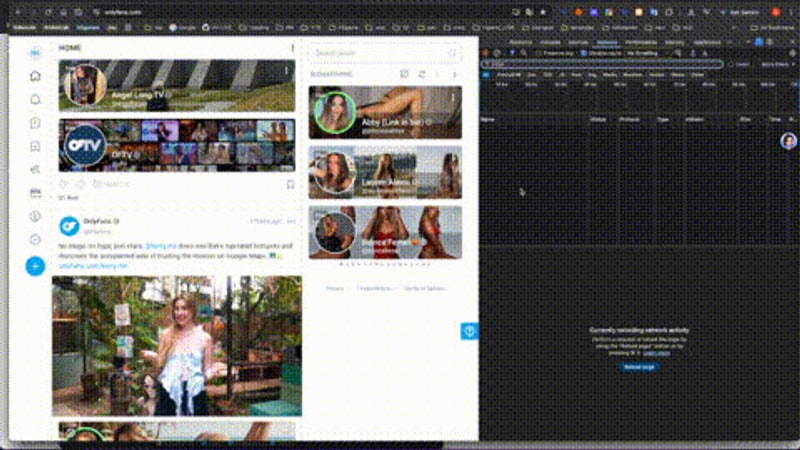
What is actually public
OnlyFans is a paywall platform first, but not everything on it sits behind one. Creators publish some media openly: free previews meant to attract subscribers, profile pictures and cover images, and occasionally an entirely free account. The login wall is the bright line — anything that renders in a logged-out browser is public media and can be saved like any other public post.
What is never reachable
Subscribed content is protected by authentication plus DRM-signed, expiring CDN URLs. There is no public address for it, so no third-party tool can reach it without your session — and a tool that asks for your OnlyFans login is harvesting credentials, not downloading. If you have paid and want an offline copy, use the platform's own export where the creator enabled it.
- Free previews: public media, downloadable like any other post.
- Profile and cover images: public.
- Subscribed posts: locked behind authentication and signed URLs.
- Anything asking for your login: a credential scam.
The creator's rights don't pause at the paywall
Downloading a public preview does not grant a licence to republish it, and OnlyFans' terms prohibit scraping and redistribution regardless. Leaking paywalled content is copyright infringement with real legal exposure. Respecting the boundary is also what keeps free previews available at all — creators pull them the moment they are abused.
Why the "unlock" tools are scams
Services advertising paywall bypass either steal logins, sell you pirated files with the legal risk attached, or take your payment and deliver nothing. The technical reality is simple: signed, expiring CDN URLs mean there is no back door to open.
A quick test before you save anything
Open the post in a private window with no OnlyFans session. If the media still renders, it is public and a downloader can resolve it; if the page asks you to subscribe or log in, stop there. That check beats any list of URL patterns, because a creator can move a post from free to paid at any time. Downer does not re-host or cache what it returns — the MP4 streams from the platform's own CDN to your device, so a post that later disappears cannot be recovered from us. Keep the copy for personal reference, credit the creator, and never republish a free preview without written permission.
Troubleshooting
- The page asks you to subscribe: the post moved to paid — stop there.
- Nothing downloads: the media may be image-only, or region-limited.
- A tool demands your login: walk away, that is a credential scam.
- Someone sent you a link: verify in a private window that it is public first.
What a signed URL actually means
Media behind a paywall is not protected by a password prompt alone. Every file is handed out through a URL that carries a signature and an expiry, and the CDN rejects the request once that window closes — which is why a link copied out of the page source and pasted ten minutes later returns 403 instead of video. Authentication gets you the signed URL; the signature is what the CDN actually checks.
- Public preview: the page issues a signed URL to anyone, with no session at all.
- Paid post: the URL is only issued once the subscription check passes.
- Expired copy: 403 from the CDN, even for media you paid for — refresh the page for a new signature.
That mechanism is the whole argument. A tool cannot "unlock" a signed URL because there is nothing to guess: the platform issues the signature to a verified session. And a link that worked yesterday failing today is not a broken downloader — it is the expiry doing its job.
Frequently asked questions
- Can I download subscriber content? No — it sits behind authentication and signed URLs.
- Is saving a free preview legal? For personal use, yes; republishing, no.
- Why do "unlock" tools fail? There is no back door to signed URLs.
- Does Downer keep copies? No — files stream from the platform's CDN to you.